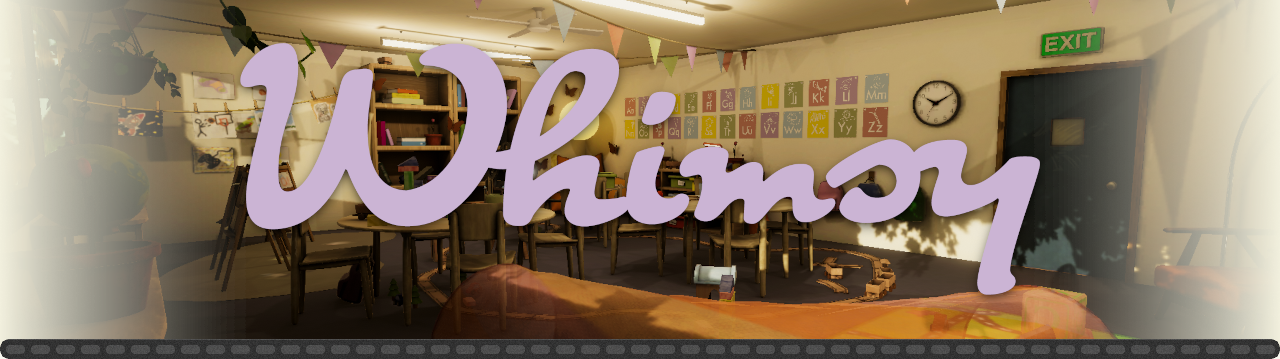
Whimsy
A downloadable experience for Windows and Android
"A feeling of child-like, playful nostalgia that invokes a sense of freedom, welcome weightlessness & wonder."
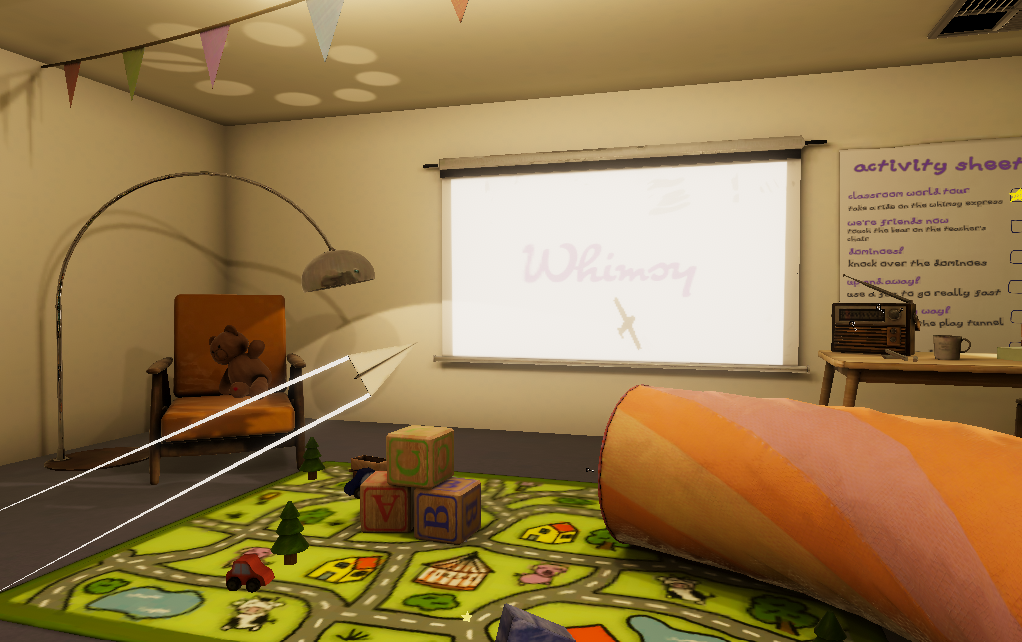
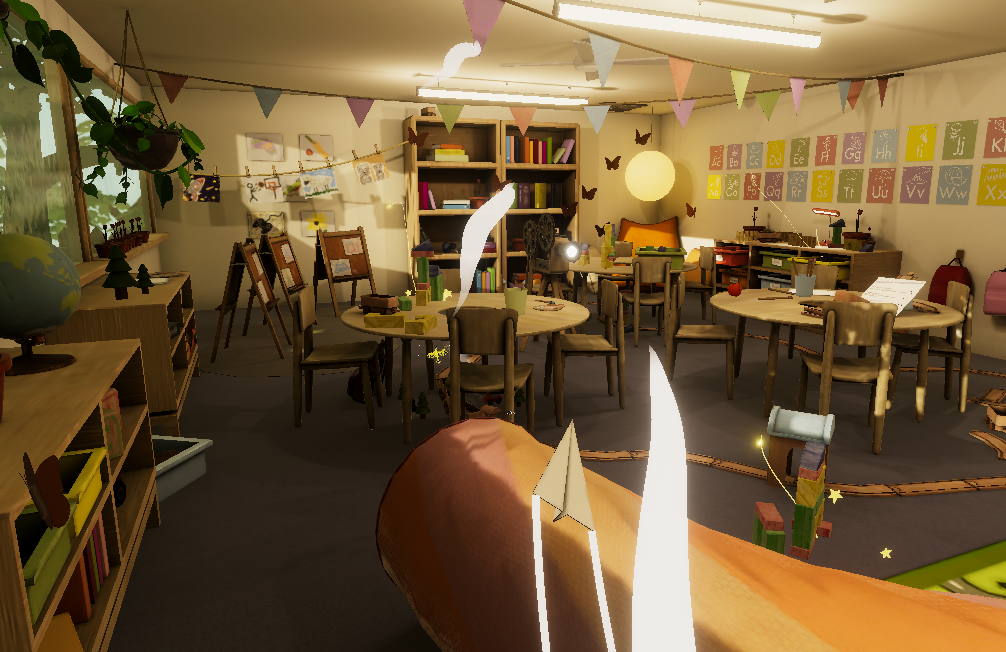
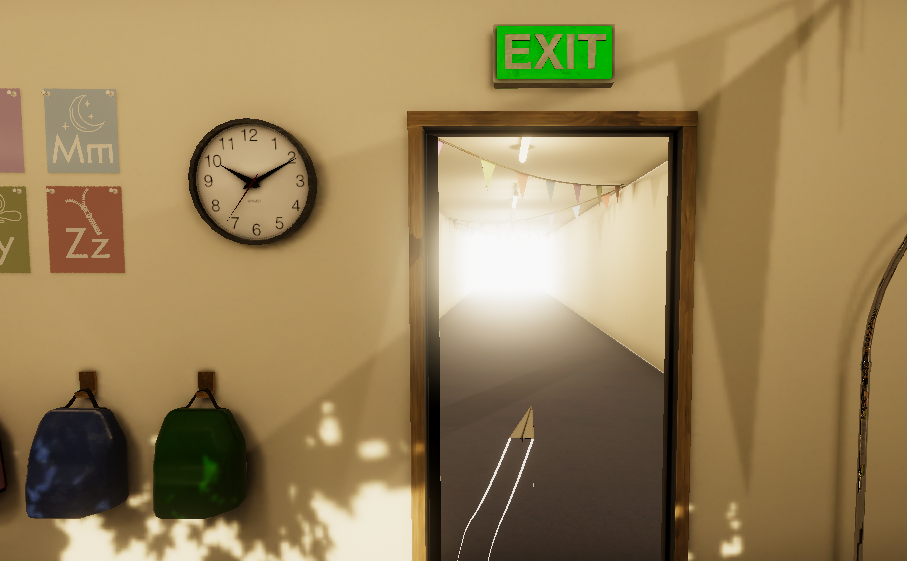
A VR experience that melds the worlds of digital and physical play, Whimsy invites the user to immerse themselves in a world outside of their own and explore the weightless world of the paper plane.
Also available from SideQuest for easier installation.
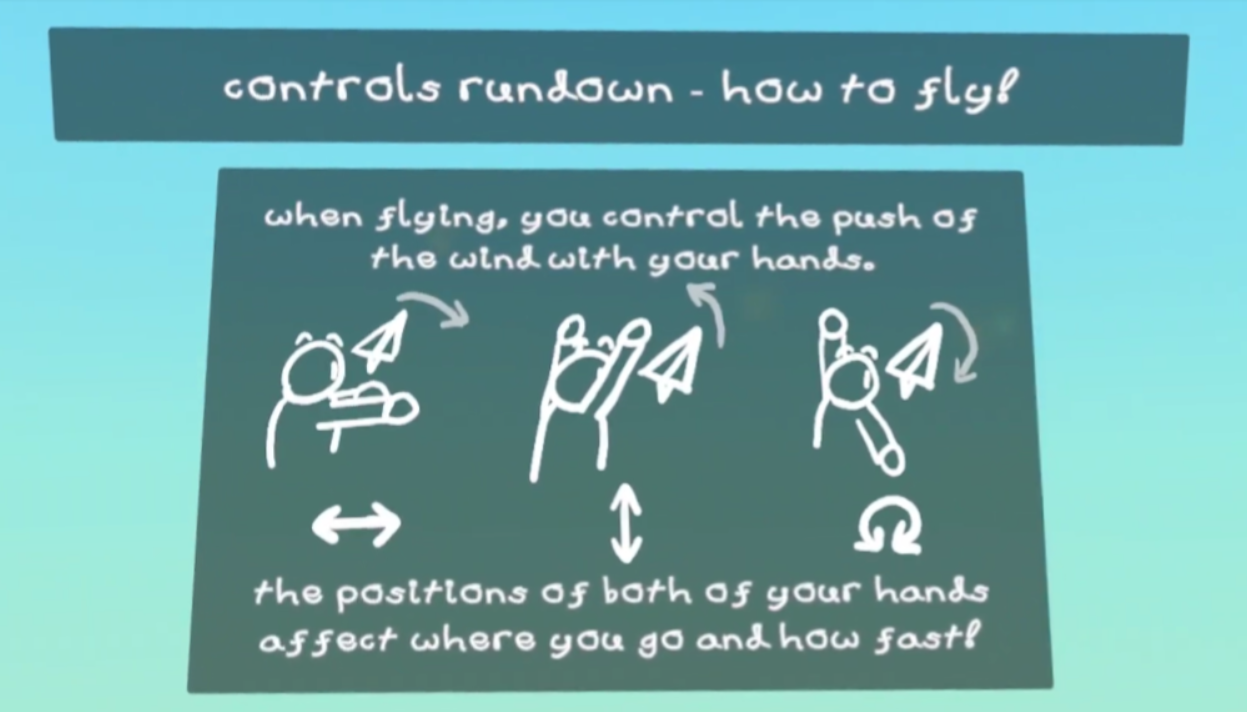
This Virtual Reality ‘play’ experience involves the user flying as if they were a paper airplane. The paper plane is controlled with tracked hand movements as follows:
- Forward-back hand motion controls the speed of the plane.
- Left-right motion controls the turning of the plane.
- Up/down motion controls the pitch of the plane.
- One hand up and the other down makes the plane roll over.
The Virtual Reality experience is used to provide a heightened level of immersion, intended to aid in invoking the intended "whimsical" feeling.
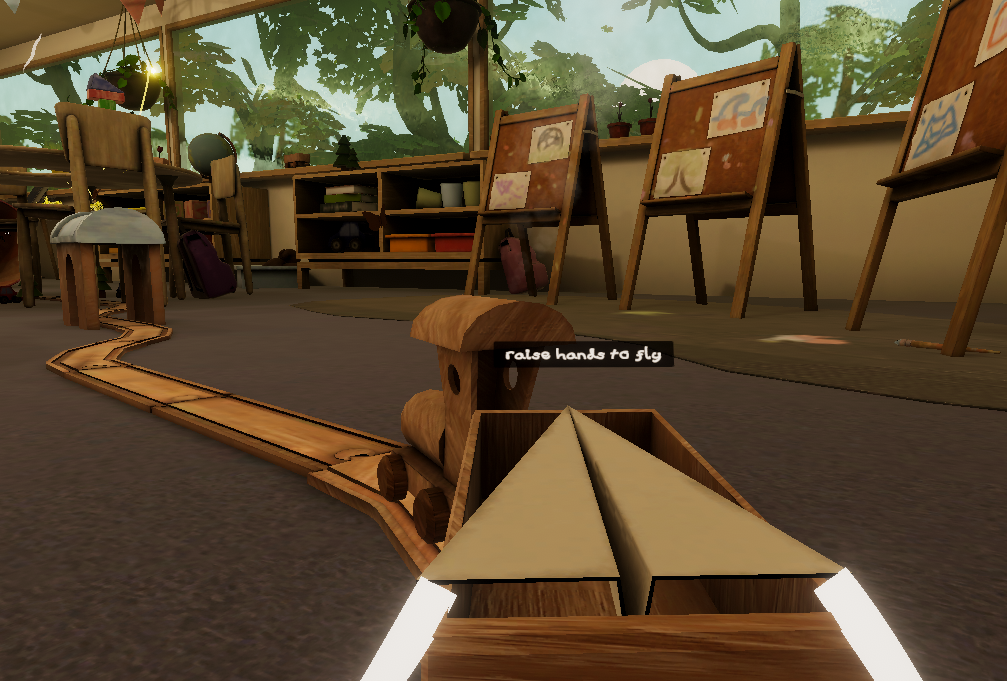
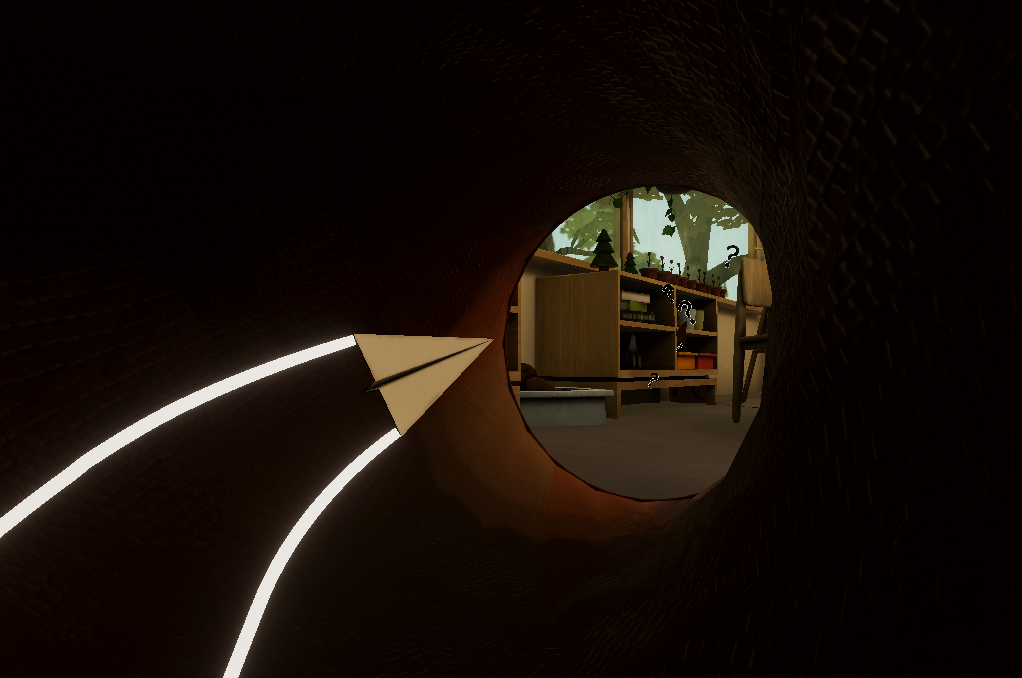
The scene is set in a children’s classroom/playroom where the ‘player’ is positioned as the paper plane flying. The desired atmosphere of the environment is based on our 3 ‘w’s’ - Whimsy, Weightlessness and Wonder. Players are able to explore the environment and discover various interactive elements.
Whimsy has been tested to run well on the following:
- Standalone Meta Quest 3 with hand tracking or controllers.
- Windows 10 + Steam Link + PICO 4 with controllers.
Running Whimsy on Quest 2 hardware (Meta Quest 2, Pro) will result in reduced graphics fidelity and performance.
Further compatibility and accessibility (e.g. other headsets, desktop play, one-handed mode) may be considered in the future, but are not plans at the current time.
The People of Whimsy:
Jay / cubee - Programmer / Optimisation
Miranda - Environmental Artist / Project Manager
Kein - Environmental Artist / Creative Direction
Henry - Soundtrack Composer
Attribution:
- Window glass uses maps from AmbientCG Metal 052C (CC0)
- Playmat carpet uses maps from AmbientCG Carpet 005 (CC0)
- Some sound effects sourced from FreeSound (CC0)
Download
Install instructions
If you play on a Quest, Whimsy is available here on SideQuest, where it should be straightforward to install if you have SideQuest set up on your headset or have access to a PC.
---
Otherwise, installing Whimsy on PC should be simple for most of you:
Windows users:
- Make sure your VR runtime (e.g. SteamVR or Meta Quest Link) is set up and working with other apps. (e.g. Beat Saber)
- Download the zip file and unzip it.
- Run Whimsy.exe
Linux users:
If you need help setting up your VR/XR stack, I recommend checking out the Linux VR Adventures community.
As for Whimsy-specific notes:
- Launch Whimsy with the following environment variable: PROTON_USE_WINED3D=1
- This is required due to some issue with Unity 6 under Proton; it cannot find the graphics device otherwise.
Development log
- Release 1.0aNov 08, 2025
- Release day!Nov 07, 2025